Design the interface. Then build it.
Compare directions for a website or app, comment on the details, and adjust the design together. Send the chosen version to your agent when you're ready to turn it into working code. Explore Design

 Korus
Korus
Beyond the wall of text
Delegate tasks, run multi-round reviews, or turn requirements into tickets and shipped code. Korus makes every step of your AI coding something you can see, follow and steer.

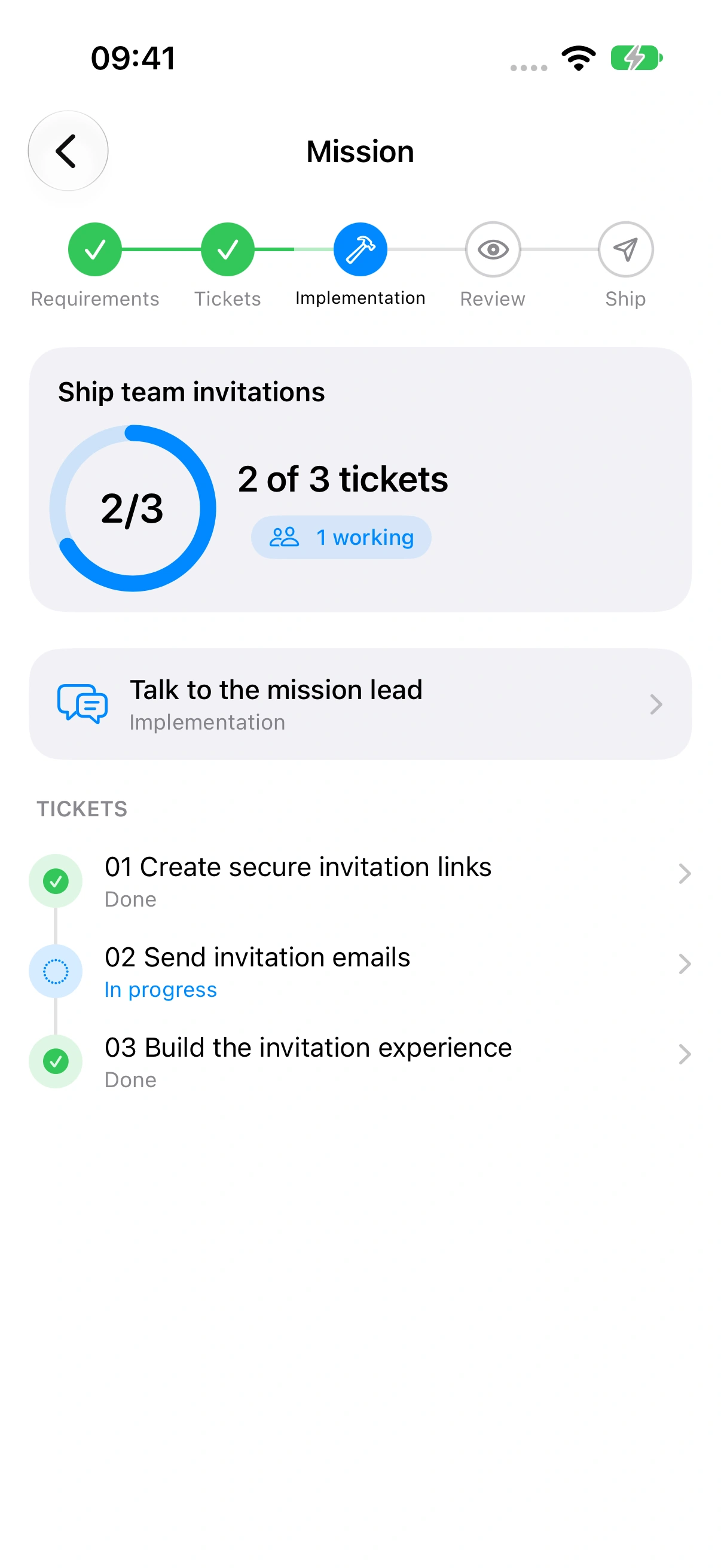
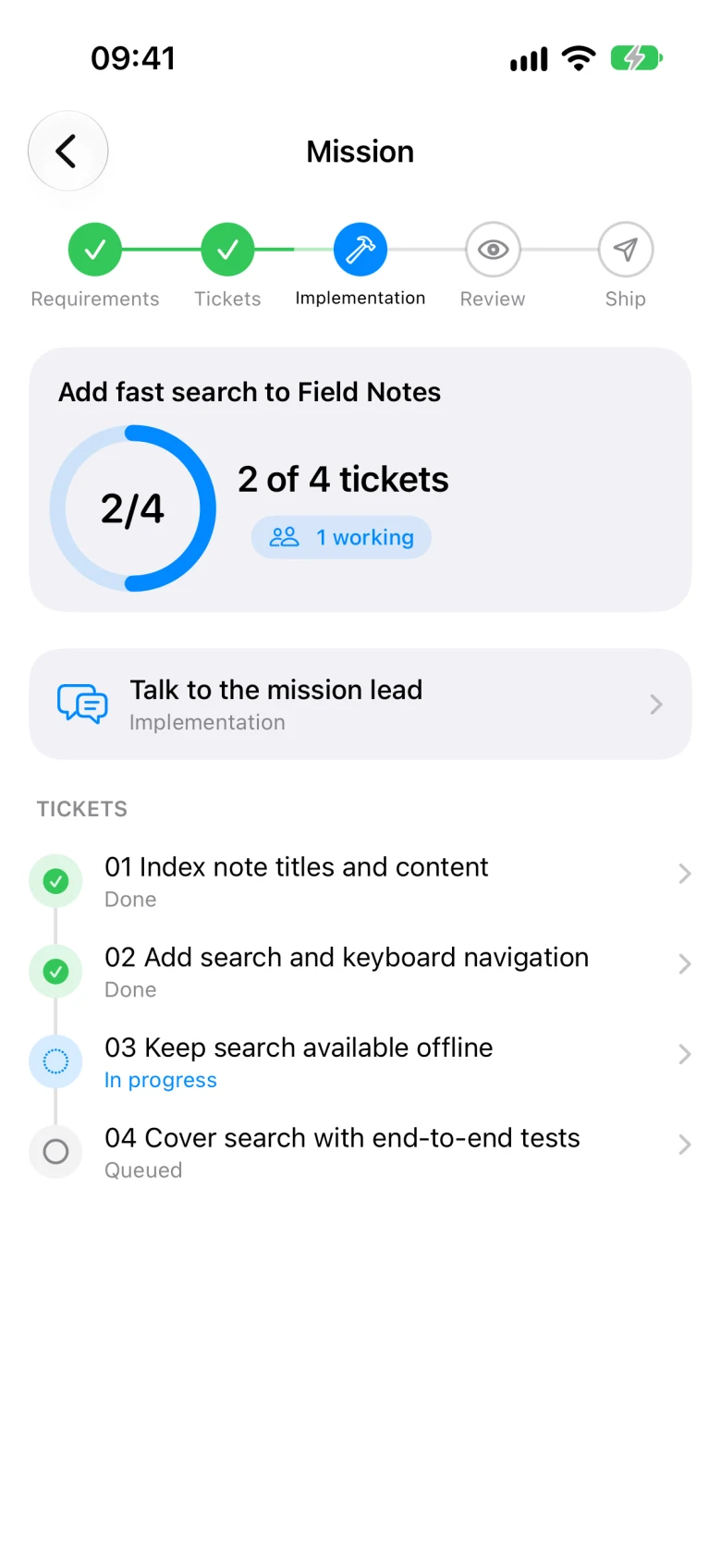
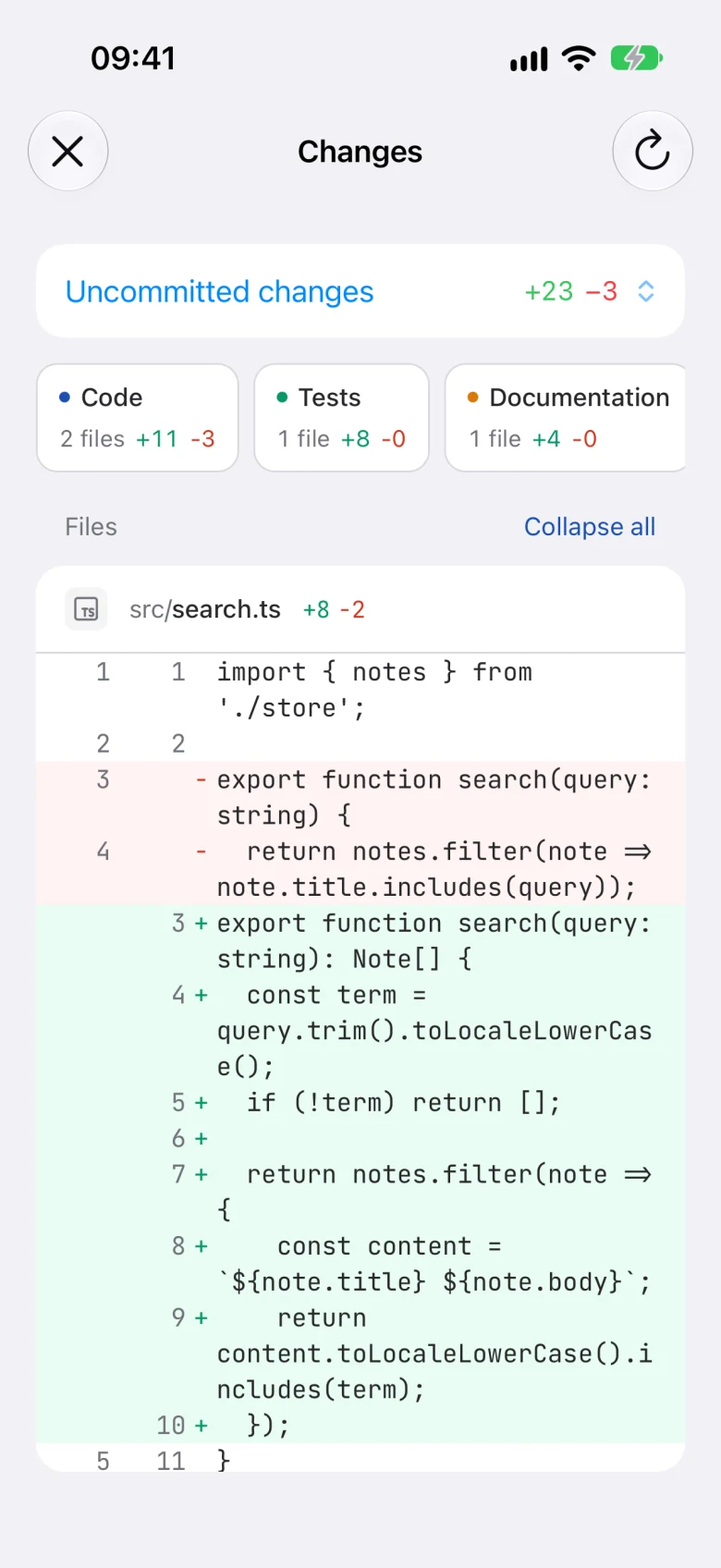
Step away from your desk without leaving the work behind. Follow your agents, move a Mission forward, review changes, and send the next instruction from your iPhone.
Pair Korus Mobile with your computer. Your code and agents stay there; the conversation comes with you. Keep your computer awake and connected while you’re away.
The workspace behind the workflow
Follow parallel work, explore a design, try your mobile app, and schedule routines. Keep the tools you need beside the conversation.
Compare directions for a website or app, comment on the details, and adjust the design together. Send the chosen version to your agent when you're ready to turn it into working code. Explore Design

Bring questions, approvals, and unread results into focus. Unblock the work that needs you without checking every conversation.
Work by activity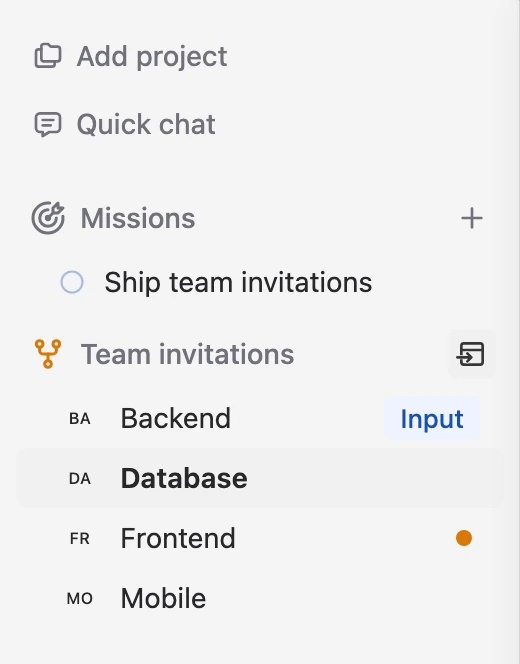
Keep matching worktrees together across repositories. Open the feature’s agents in split view to follow every part of the work.
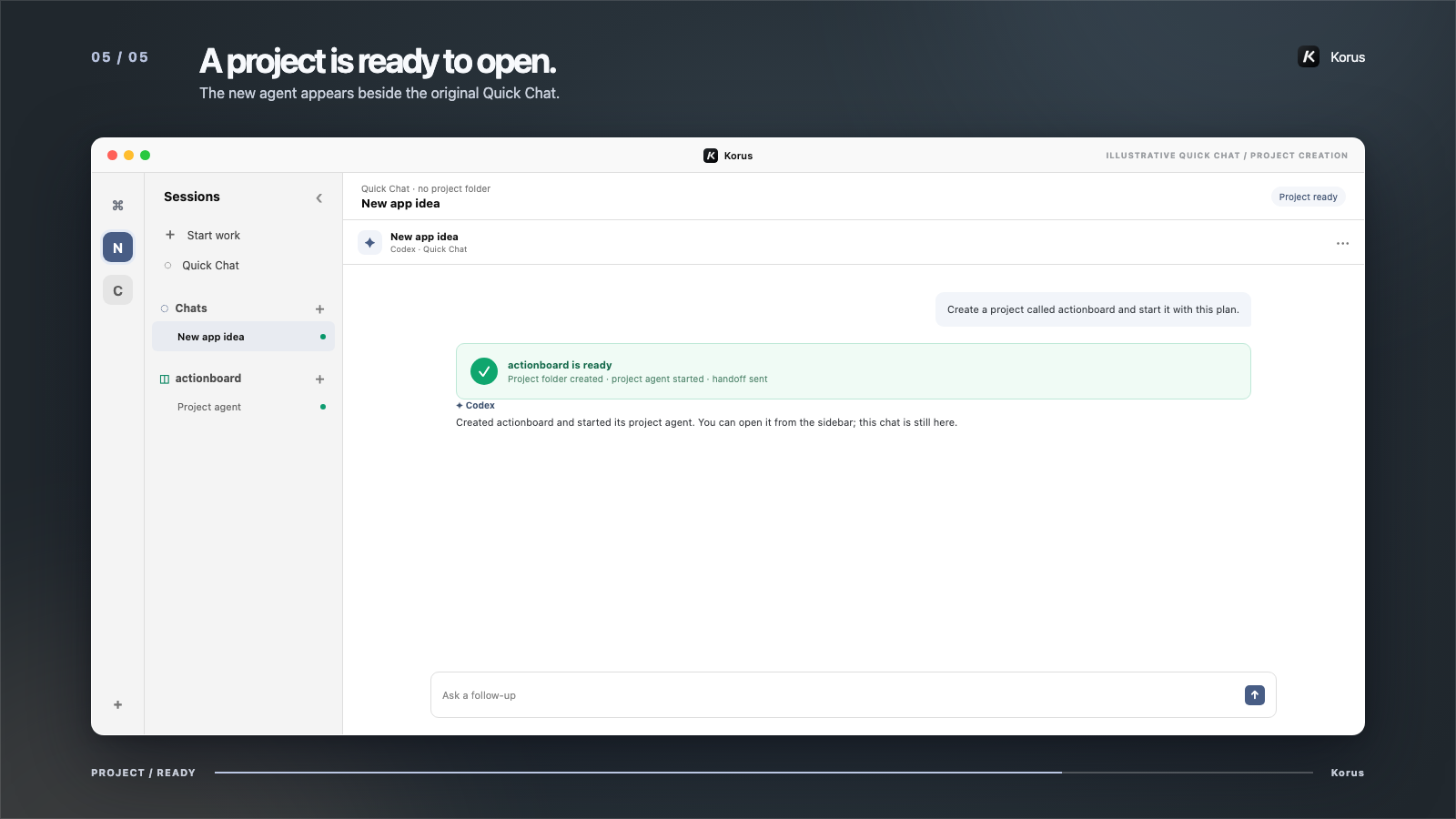
Watch one feature span four reposExplore an idea before choosing a folder. When it takes shape, ask an agent to create the project and carry your context into the work.
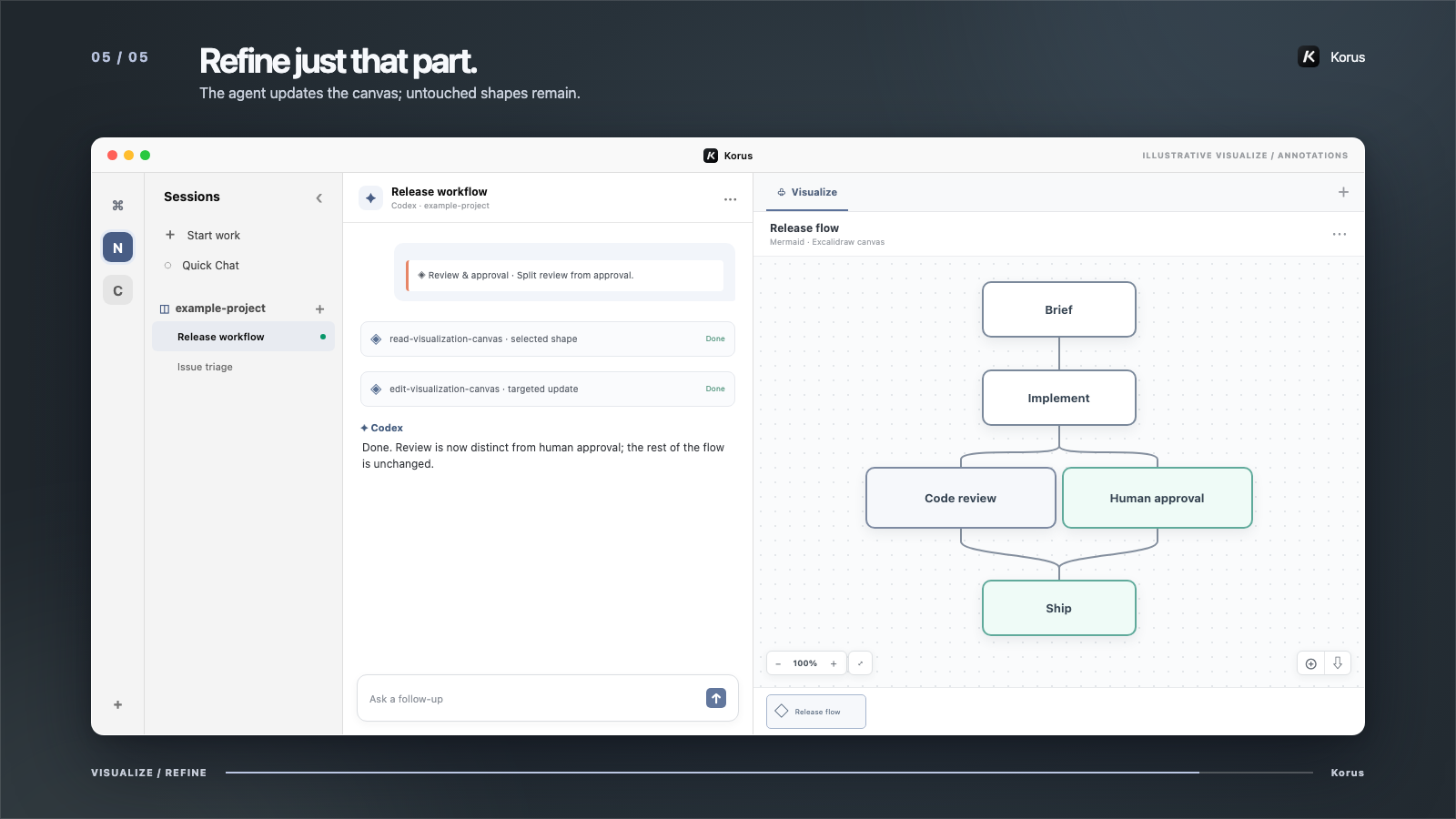
Create and refine diagrams beside the conversation. Keep the design visible as your understanding evolves.
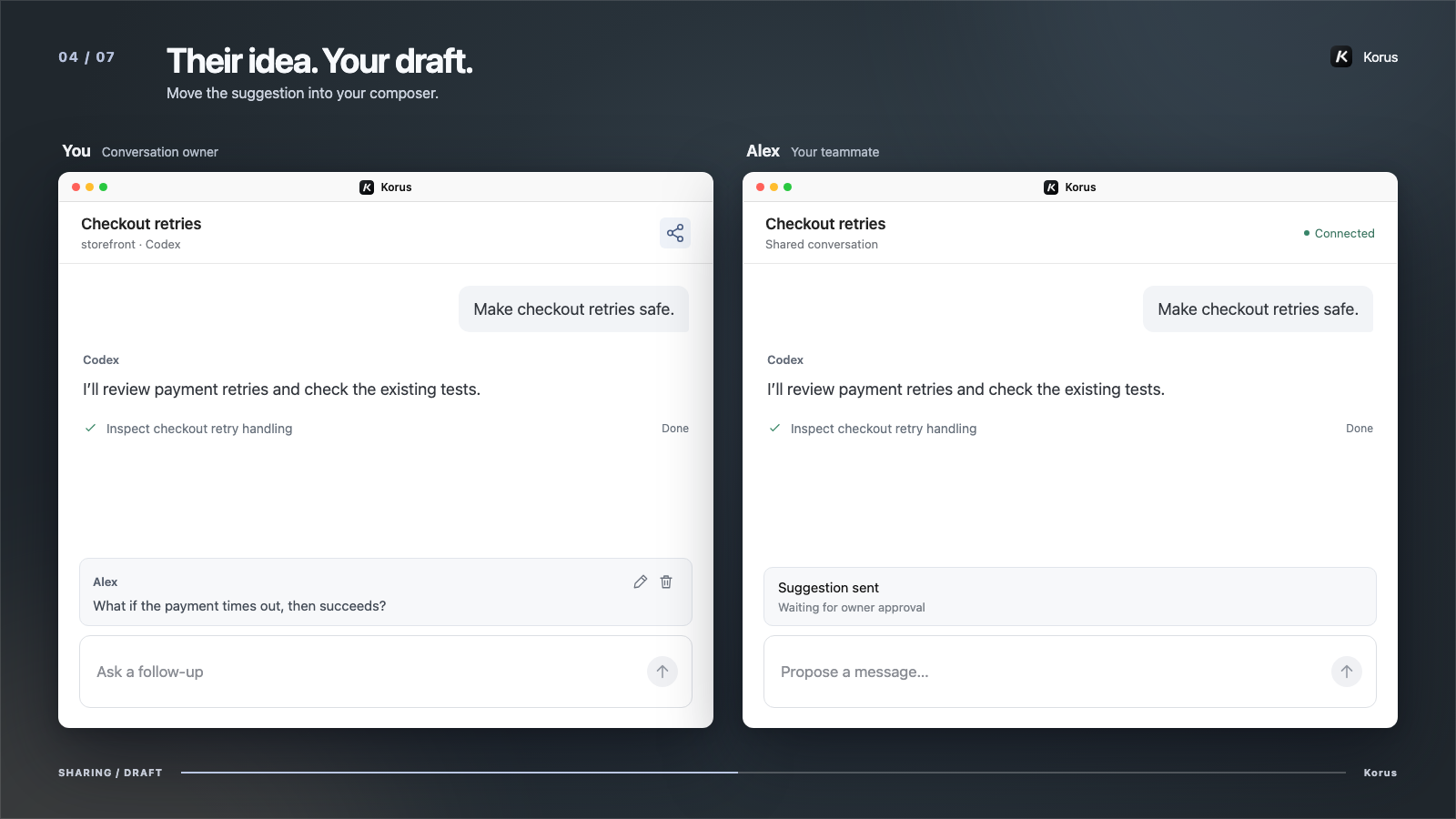
Share a live conversation so someone can follow the work and suggest the next prompt. You review, edit, and send it. Stop sharing whenever you choose. Share a conversation
Compare token use, estimated API costs, and output speed across providers and models. Follow trends over time, with your usage data kept on your computer. Explore analytics
Give an agent a prompt and a schedule. Run a daily project summary or a weekly dependency check in an existing conversation or a fresh Quick Chat. Set up an automation

Discover packs for design, security, and everyday development. Install your own, read what they do, and sync them across your coding agents. Manage skills

Open an iOS simulator or Android emulator beside your conversation. Try the app yourself, or ask your agent to inspect the screen, tap through a flow, and check the result. Keep working on the code without losing sight of the app. Work with simulators

Choose Codex, Claude Code, or Antigravity for each agent. Keep their work together, bring a different engine in for an independent review, or hand off a task without leaving the workspace. Connect your agents
Use Bitwarden or 1Password to sign in and fill forms in the in-app browser. Shared browser accounts keep your sessions ready across agents. Bring your password manager
On macOS, opt-in Computer Use lets an agent inspect and operate native apps while every action remains visible.
Free to use. Your choice of engine.
Connect your coding engine. Choose your platform.
Releases on GitHub No Korus subscription or per-agent fee. Provider subscriptions and API usage are separate.